

There are many ways to use interactive lessons in your science classroom to bring the WOW Factor. They are an absolutely amazing resource when it comes to providing content to your students via science class notes.
There are so many taking notes methods!
One of my favorite ways for students to take notes in science class is though a flipped classroom method or an in-class flipped classroom method.
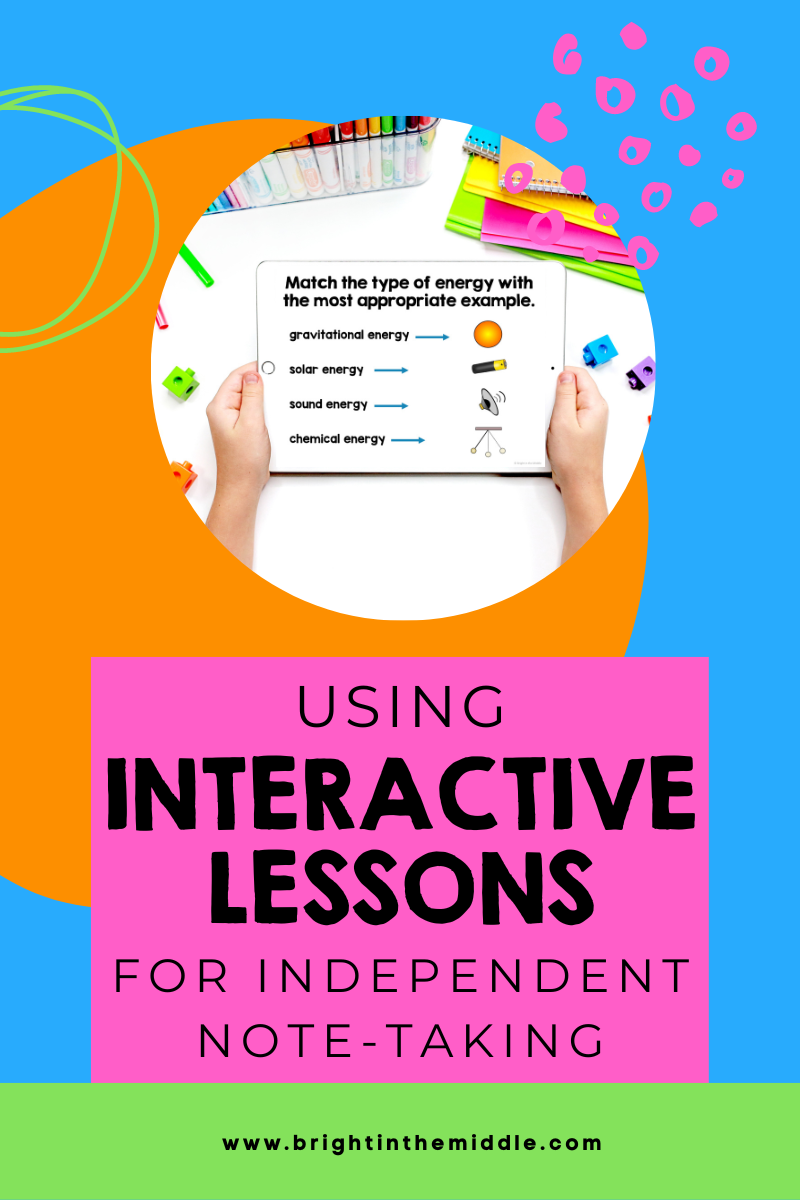
Why do I love this so much? It’s a way for students to take their notes independently! This helps in SO many ways. This frees up your time so that you can help those students in need the most. This also puts some responsibility on the students and allows them to take notes at their own pace.
I talk about flipping and spinning your classroom in this post if you’d like to learn more.
So, how do you go about having your students independently taking notes with interactive lessons? Here are 3 easy steps!
Provide students the notes in class or outside of class.
I used to teach using interactive notebooks, but then I quit and moved on to a different approach. If you want to use interactive lessons for independent note-taking for your students, you can choose to do the flipped classroom approach where students take notes outside of class. You can also choose to do an in-class flipped approach (spinning the classroom) where students take notes in class, but they do so independently.
I love both approaches, but I’m partial to the in-class flipped approach because it worked best for the population of students that I taught.
When you choose this approach, learning is student-centered and the teacher is the facilitator to the learning. Your students will need a computer for these approaches!
If you choose to a flipped classroom approach:
You can assign students an interactive lesson to complete at home. They will record their notes (see below) in the fashion that you choose. Once they come back to class the next day, as a class, you can work on WIDEN activities that will expand their knowledge of the subject that they took notes on.
If you choose to an in-class flipped classroom approach:
You can assign students an interactive lesson, but they will be completing it in class. As students are working through the lesson, you can act as a facilitator, walking around, seeing how your students are doing. If you notice they are struggling or have any questions, you can intervene and assist.

Have students record notes.
So, now you have chosen an approach for students to take notes independently, but how exactly are they going to take these notes?
Here are three ways that you can do this. You can choose which one best fits your students’ needs.
Digital Notes
Interactive lessons come in a paper format and a digital format. You can easily assign a digital copy through Google Classroom, Canvas, or any other learning platform by sending them a link to make a copy. This link is included in all interactive lesson resources.
Once students make a copy of the digital lesson, students can read through the content and complete the activities within.
Once they are finished, they will have a digital copy of their notes that they can organize into a Google Drive folder. They can access their “digital notebook” any time that they wish to review the content!
This is just one of the taking notes strategies that your students can partake in.
Paper Notes
As mentioned, interactive lessons also come with a paper version. If, for some reason, your students do not have access to a computer to take notes, or maybe the internet is down for the day, students can take paper notes.
The paper version that is included with these interactive lessons include all of the features that the digital lesson has, such as the activities, except students can go through the lesson by reading what’s on the paper and doing the activities.
Students can hole-punch these and put them in a binder for safe-keeping or students can even glue these into a notebook.
One disadvantage to using the paper version instead of the digital version is that students will be unable to explore the outside resources such as websites and videos. However, as a teacher, you can always pull these up on your screen at a later time.
Guided Cornell Notes
Maybe your students have computer access, but still want to have a paper version of the notes. There are more ways to take general science class notes.
Students can work through the notes independently on their computer but record their notes on the guided notes paper provided. This will save them a lot of writing time but will allow them to have a paper record of the notes needed to study or review in the future.
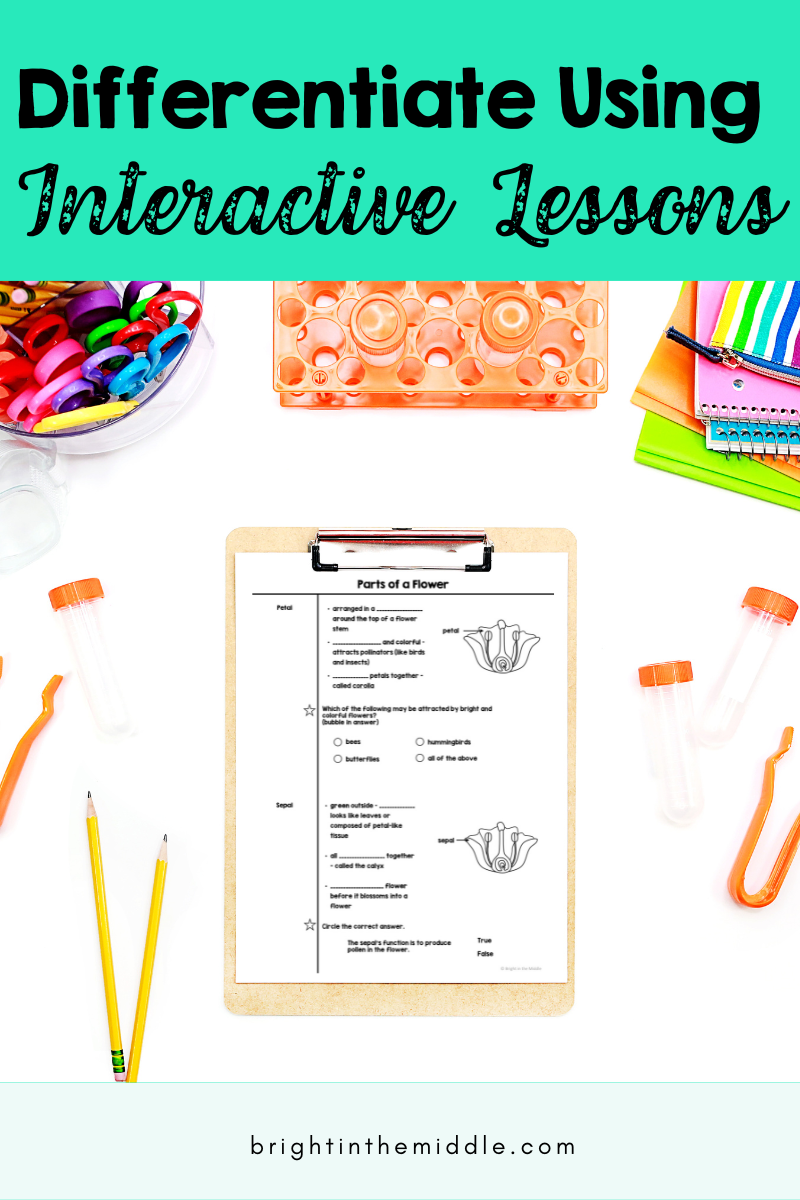
Differentiate note taking.
Ok, so you have your flipped or in-class flipped approach going. You have chosen an approach and chosen a way for your students to take notes. What’s next? As mentioned, you can learn more here, but using interactive lessons for independent student note-taking is a great way to differentiate in your classroom.
Struggling Students – One way to differentiate is to help your struggling students. Maybe you have a student that cannot read the notes well. You can have them work with a partner to help with reading or even gather a collection of students into a small group and read through the lesson with them.
Students can work at their own pace. – Students are going through the notes on their own, so working at their own pace is a plus! For students that work quickly, they can begin working on WIDEN activities while other students finish. For students that work at a slower pace, they are able to get through the content without feeling overwhelmed.
Let me know if you have any questions about using interactive lessons for independent note-taking! Stay tuned for more science notes ideas!
Help your students master science content!

Once the students go through the interactive lessons and take notes, do you go over the notes as a whole class or do you assume they have everything correctly? Besides walking around and observing, how do you clear up misconceptions the students might have from their reading of the interactive lessons?
Hi Stefanie!
I usually follow up with a WIDEN activity, which is just an extension activity. I also use exit tickets and warm-ups to make sure they are getting what they need!
– Kayla